
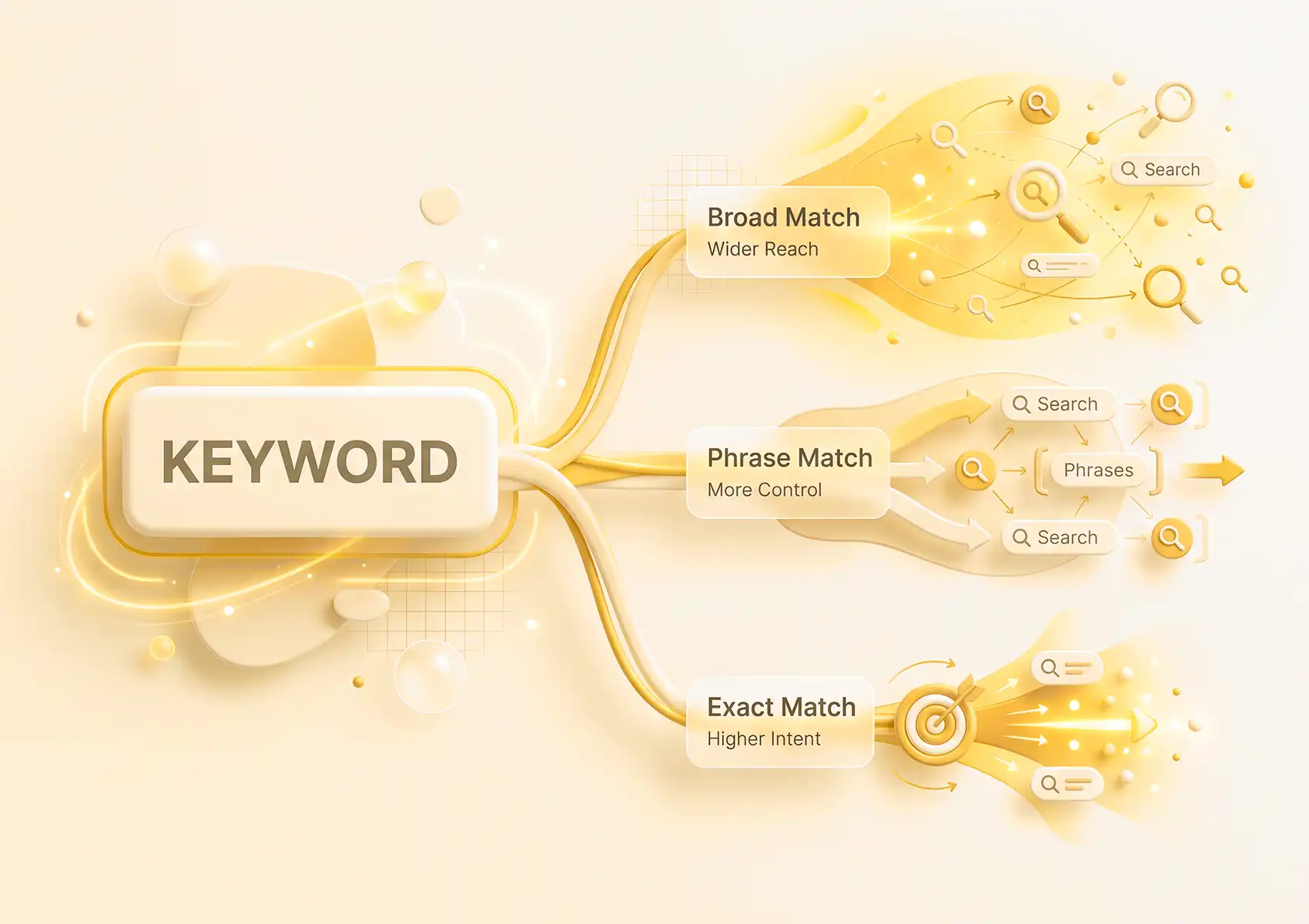
Keyword match types are often misunderstood in Google Ads, with broad matches causing the most confusion. Many advertisers select a keyword, expect their ad to show only for that term, and are surprised when their budget is quickly spent.
The match type you select determines who sees your ad and how quickly you use your daily budget.
When you choose the right match type, your spend aligns with real intent. If you get it wrong, you pay for clicks that will never convert. Here is how each match type works and when to use it.
What Keyword Match Types Are and Why They Matter
A match type tells Google how closely a search must align with your keyword before your ad enters the auction. Choosing the right match type is the difference between reaching everyone and targeting only those ready to act.
A key rule to understand early is that a broader match type includes everything a narrower type would, plus more related queries. In practice, broad match covers everything phrase and exact match would, so repeating the same keyword across multiple match types is usually unnecessary.
The Three Keyword Match Types Explained
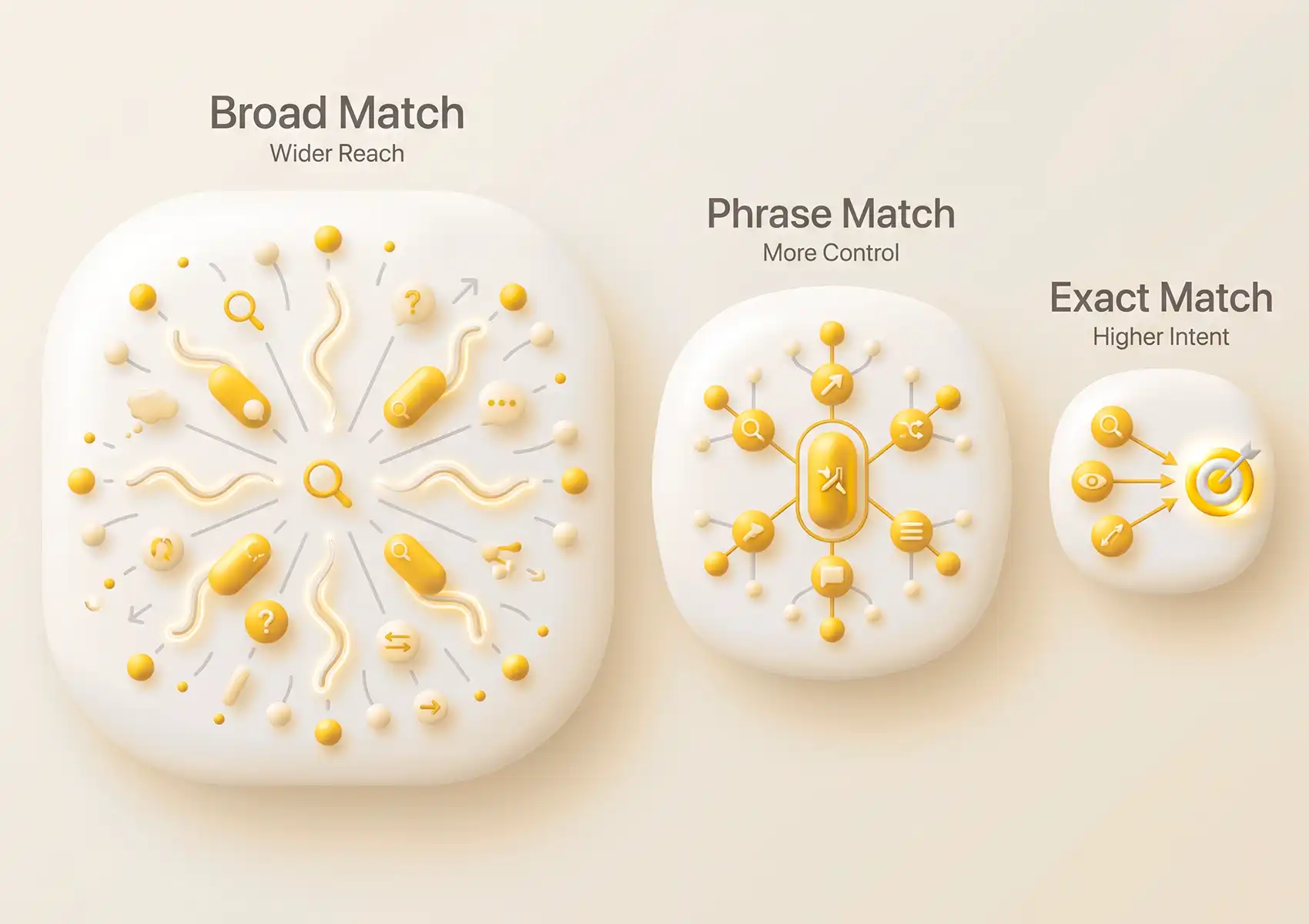
Three keyword match types are available, from the widest to the most precise. Broad match sits at one end, exact match at the other, and phrase match in the middle. Each one trades for control in a different way.
How Broad Match Works
Broad match gives your ad the widest reach. Your ad can show for searches related to your keyword, including synonyms and terms that do not use your exact words.
To use a broad match, just enter the keyword without any symbols. For example, villa cleaning service as a broad match keyword could trigger your ad for searches like holiday home cleaners or rental villa cleaners. Broad match works best when combined with Smart Bidding and a strong negative keyword list to filter out irrelevant searches.
How Phrase Match Works
Phrase match balances reach and control. Your ad appears for searches that match the meaning of your keyword, giving you more reach than exact match but more control than broad match.
Use quotation marks for phrase matches, like “villa cleaning service”. Searches such as affordable villa cleaning service in Seminyak would still trigger your ad, as the main meaning is preserved.
How Exact Match Works
Exact match is the most precise match type and helps minimise wasted spend. Your ad appears for searches with the same meaning or intent as your keyword, including close variants like plurals or reordered words.
Use square brackets for exact matches, for example [villa cleaning service]. This match type reaches fewer people, but those it does reach are typically much closer to making a purchase.
How to Choose the Right Match Type for Your Budget
The best match type for your campaign depends on your goals, available data, and budget. A new campaign with limited data will perform differently from one with a long conversion history.
| Campaign Goal | Recommended Match Type |
| Maximise reach and let Smart Bidding learn | Broad match with strong negative keywords |
| Balance reach with control | Phrase match |
| Protect budget and target high-intent searches | Exact match |
| Test a new keyword on a small budget | Exact or phrase match |
If you are starting with a small budget, such as Rp1.500.000, use exact and phrase match to keep your spend focused while you collect data. Always maintain a disciplined negative keyword list to avoid paying for irrelevant searches, no matter your budget.
Match Type Mistakes That Waste Ad Spend
Several common mistakes quietly drain budgets, often because advertisers set a match type and then stop paying attention. Check these first.
- Using broad matches without Smart Bidding. Broad match depends on auction-time signals that Smart Bidding uses. Without it, your ad spends on searches that rarely convert.
- Mixing all three match types in a single ad group. This approach makes reporting unclear and bidding difficult to manage, because you cannot easily see which match type is performing.
- Neglecting negative keywords. Every campaign loses money without a list of terms to exclude, and broad match campaigns lose the most without this filter.
- Ignoring the search terms report. This report reveals the actual queries triggering your ads. If you do not review it, you miss what your keywords are really matching.
How Performance Max Works With Search Campaigns and Keywords
Performance Max often runs alongside Search campaigns, which leads many to ask if it overrides your keyword targeting. It does not. Performance Max respects your keyword targeting through a clear priority system.
According to the Google Ads Help documentation, an exact match keyword that is identical to the search term is prioritised over Performance Max. Phrase and broad match keywords share priority with a matching Performance Max search theme when the query is identical. Your match type choices still shape your results, even when Performance Max is active in the same account.
Match Types Are a Setting You Manage Over Time
Choosing a match type is not a one-time decision. As your campaign collects conversion data, the match type that worked at launch may not be the best choice months later.
A broad match keyword that once helped Smart Bidding learn may later spend on searches already covered by your exact match keywords. Regularly reviewing your search terms report keeps your spend focused on searches that actually convert.
If you want to structure your keyword match types around real conversions instead of wasted clicks, start a conversation with us.


