

Ask what Google Ads cost, and you usually hear either a vague ‘it depends’ or a US dollar figure that does not help if you are budgeting in Rupiah. Neither answer tells you what you will actually pay or how to set a budget you can plan around.
Google Ads has no fixed price, but that is just the starting point. Your actual cost depends on a handful of factors, some controlled by the market and others by how you set up and manage your campaigns. Once you know which factors you can influence, you can plan your spend with confidence instead of guessing.
This guide explains what your Google Ads cost covers, what drives it up or down, and how to build a budget that matches your business goals.
The Two Costs Behind Google Ads
Before looking at numbers, separate the two costs that make up your total Google Ads spend. Most guides only mention the first, which can make Google Ads seem cheaper than it really is once you factor in everything.
What You Pay Google
This is your media spend, the amount you pay directly to Google for your ads. In Search campaigns, you only pay when someone clicks, so cost per click is the key metric. An auction sets the price every time a relevant search happens. For a deeper look at how keyword bidding works, see our separate guide.
Each click is deducted from the average daily budget you set. On busy days, Google may spend up to twice your daily budget, but your total monthly spend will not exceed 30.4 times your daily budget.
What It Costs to Run It
The second cost is often overlooked. Someone needs to build your campaigns, write ads, select keywords, and keep optimising, whether that is you or an agency. Managing the account yourself avoids agency fees, but your time has a cost. If you use an agency, expect a management fee, usually a fixed monthly retainer or a percentage of your ad spend. Include this in your budget from the start.
How Much Google Ads Cost
Any average you read online hides a wide range, because prices vary by industry and market. A far better starting point is Google’s own budget benchmark tool, where you enter your industry and location and see what advertisers around you typically spend each day. You can try Google’s budget benchmark tool to set a figure grounded in your own market rather than someone else’s.
Within your market, three main factors determine where your costs fall compared to that benchmark.
What Affects Your Google Ads Cost
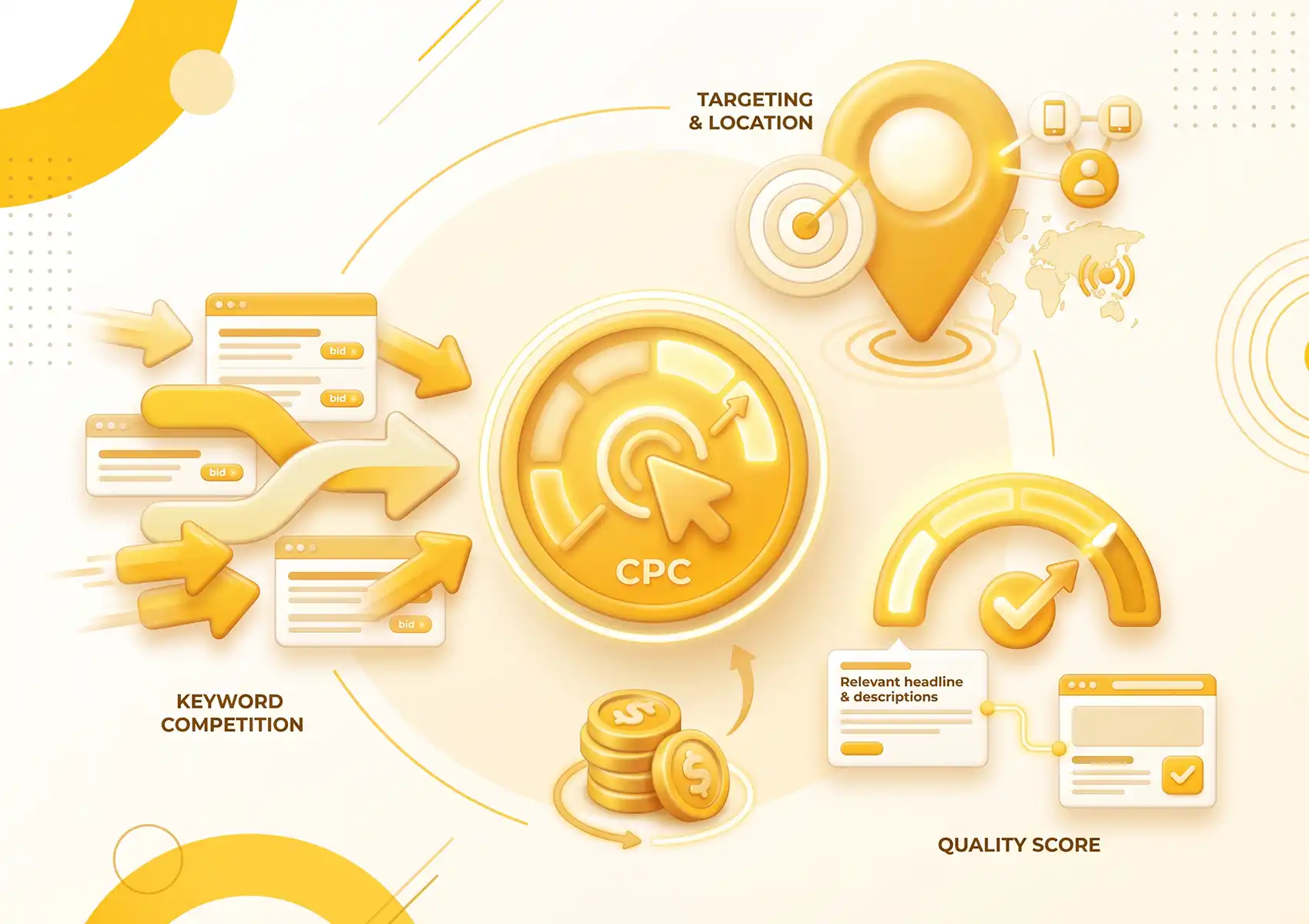
You cannot control how many competitors bid on your keywords, but you can choose which keywords to target, who sees your ads, and how relevant your ads are. These choices help keep your Google Ads cost from rising more than necessary.
Keyword Competition and Intent
The more advertisers bid on a keyword, the higher your cost per click. High-intent keywords, where users are ready to book or buy, attract the most competition and usually cost the most. Broader, early-stage keywords are cheaper but convert at lower rates.
Targeting and Location
Targeting options like location, device, and time of day affect your costs. Popular locations and peak hours attract more advertisers, which drives prices up. Focusing your ads on the places and times your customers actually search helps keep your budget on clicks more likely to convert.
Quality Score
Quality Score is a 1-to-10 rating Google assigns to each keyword, based on expected click-through rate, ad relevance, and landing page experience. While Google calls it a diagnostic tool, the quality behind the score still affects your costs. Ads that closely match the search and lead to a relevant, user-friendly page can lower your cost per click, letting your budget go further.
How to Set a Budget That Fits
A budget works best when it is tied to a clear goal, not just a number that feels comfortable. Start by knowing what a customer is worth to your business, then work backwards to decide what you can afford to spend to acquire one.
Once your campaigns are generating enquiries, keep your spending disciplined with a simple split. Allocate most of your Google Ads budget to what is already converting, a smaller portion to expanding those results, and a small share to testing new ideas.
Here is how the numbers work. If you set a budget of Rp15.000.000 for the month and pay an average of Rp15.000 per click, you get about a thousand clicks. If 3 out of every 100 visitors enquire, and 1 in 3 enquiries becomes a booking, each new customer costs you Rp1.500.000. These are example figures, but cost per customer is the key number to compare with your customer value.
Mistakes That Waste Ad Spend
Even well-funded accounts lose money when they miss the basics. These mistakes often do not show up as obvious failures in your dashboard, so they can go unnoticed for months.
- Skipping conversion tracking, which leaves you paying for clicks with no way of seeing whether they became customers.
- Running broad match keywords without negative keywords, so your ads appear for searches unrelated to what you sell.
- Ignoring low Quality Scores, which often point to ads or landing pages that are pushing up your cost per click.
- Setting a budget without a target cost per customer leaves you with no clear way to judge whether the spend is working.
Work Out Your Google Ads Budget With Gaia
Plenty of busMany businesses set a Google Ads budget, spend it, and still do not know what each customer actually costs. Our team can help you connect your Google Ads spend to real enquiries and customers, not just clicks. Visit Gaiada.com to start the conversation.


